


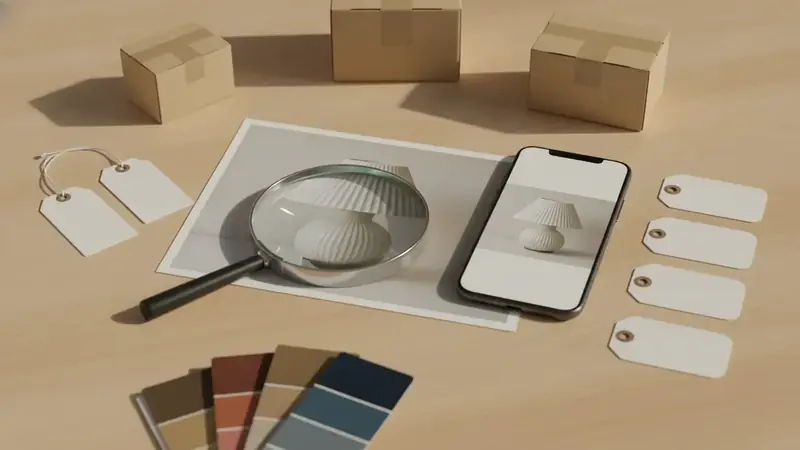
The short answer
Start with whatever you already have. A clear photo or screenshot works best, a barcode is even more exact, and a description is the last resort. Price ID accepts the first three and lets you add a short text hint to the search.
It returns matching listings with direct store links, compares prices across the online stores it can find, and shows the lowest price for the shopping region you picked. Prices and stock change, so confirm the final cost with the retailer before you pay.
You have a photo of the item
Maybe a friend's lamp, a chair in a hotel lobby, or a gadget on someone's desk. Take the photo straight on, keep the item centered, and include any logo or label you can see. Busy backgrounds make matching harder, so crop if you can.
Price ID looks for visual matches and names the brand and model when it can recognize them. Then you get listings you can open. If you type find me this into a search box you mostly get guesses; a photo gives the search something concrete to match.
Plain, unbranded things (a basic white mug, a generic stool) may only come back with similar items, not the exact one. That is a limit of the object, not of your photo.
You have a screenshot from social media
This is the common one. You see a jacket in a post, screenshot it, and by morning you have forgotten which post it was. Pick the screenshot inside Price ID, or use the one-tap option that scans your latest screenshot. On Android, the share sheet sends an image from your browser or gallery directly into Price ID.
It helps most with products seen in short videos, where the item is on screen for a second and nobody tags it. Pause on the clearest frame before you screenshot, and crop out captions and buttons.
For clothing there is a finder tuned for it. If your goal is to find dress from picture, use the Clothes & Outfits finder and add a hint like "green satin midi" when the image is small or dark.
You are holding it and there is a barcode
This is the easiest case. Scan the barcode (UPC) in Price ID and you are matching a specific product, not a lookalike. In a store, that tells you whether the same thing is cheaper online before you reach the register.
On iPhone, the question of where can i buy this app has a simple answer: search the App Store for "What's It Worth: Price Scanner", which is Price ID, and it runs on iOS 18 or later. You get a limited number of free scans each day, which is plenty for checking a few shelf items.
On Android, the listing is called "Price ID: What is This Worth?" and works as a price scanner app with a free first scan, then one free scan a day. Watching a short video earns up to two extra a day, and the free tier shows ads.
You only have a vague description
"Wooden step stool, kind of mid-century, folds flat." You can type that into a store search and scroll for an hour. A better route is to find any image that looks close, even a poor one, and run it through Price ID with your description as the text hint.
The hint focuses the match. Say the material, the style, or the use. If you remember a brand but not the model, put the brand in the hint.
Expect similar items first. Once one result looks right, open its store link and check the exact name or model number, then search for that.
You want it near you, or you want it online
Be clear about what Price ID does here. It shows online store listings, so it does not read the shelves of the shop down the street. For "near me", use the results to learn the exact product name, brand and typical price, then call or check that local store's own site for stock.
For online buying, it is more direct. Choose your shopping region and currency in the app, and the lowest price found reflects that region. Language is a separate setting, so you can read the app in one language and shop in another country's market.
- Want the cheapest price finder behavior? Compare the listings and the price range shown, then check shipping on the retailer's page.
- Item is used or out of production? Price ID also shows a resale estimate based on current eBay asking prices, kept separate from new buying prices.
- Too expensive? Try the dupe finder for lookalike styles from other brands.
One habit that saves the most money
Save the find before you close the app. Put it in a collection and set a reminder to re-check the price later. Stock and prices move, and a saved find with a store link beats trying to remember what the thing looked like.
Quick questions
Can I take a picture of something and find where to buy it?
Yes, a reverse image search or a visual shopping tool can match a photo to product listings. Clear, well-lit photos of the whole item from the front give the best matches, and a visible logo or tag helps a lot.
Where else can I buy this?
Check the brand's own website, large marketplaces, department stores, and resale sites for secondhand copies. The same product often sells at different prices across these, so compare at least three sellers before you pay.
How do I buy this if the seller is in another country?
Look at the shipping options, import duties, and return policy before checking out. Some stores ship worldwide, while others only sell through a local site, so the final cost can differ from the listed price.
How can I find the name of a product I saw in a video or post?
Check the caption, comments, and tagged accounts first, because creators often list brands and links there. If nothing is listed, a screenshot of the item run through an image search can point you to the product name.
Where can I buy this if I only have a picture?
Upload the picture to Price ID and it returns matching listings with direct store links. Add a short text hint if the image is plain or unclear.
Where can I buy this product from a social media video?
Screenshot the clearest frame and pick it in Price ID, or use the one-tap scan of your latest screenshot. Crop out captions for a cleaner match.